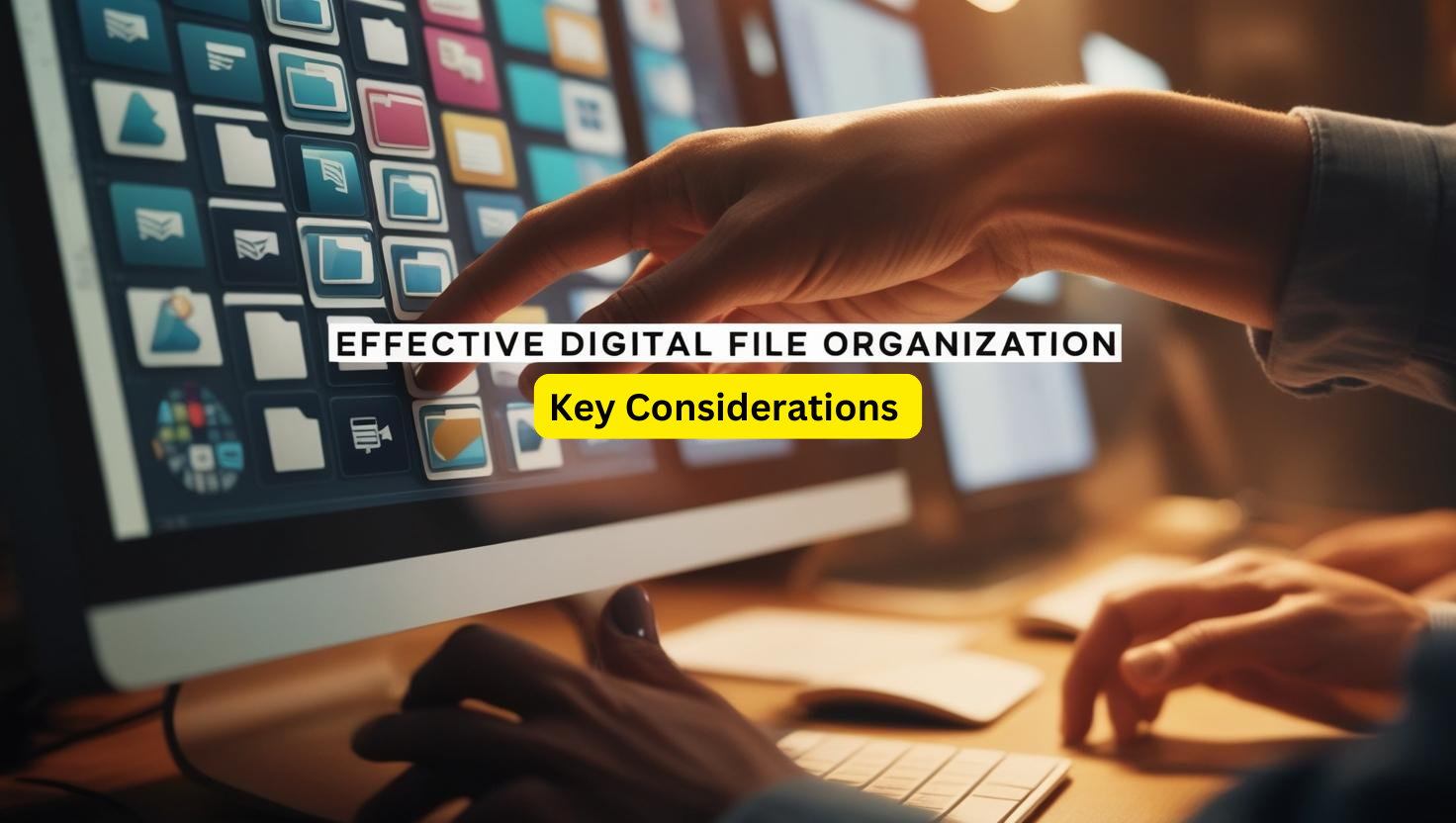
Did you know that effective digital file organization can significantly improve productivity by reducing the time spent searching for files, minimizing duplication of work, and streamlining workflows? When files are logically structured, consistently named, and easily accessible, individuals and teams can focus more on their tasks and less on administrative inefficiencies. This clarity and efficiency ultimately lead to better time management, reduced frustration, and enhanced overall performance. In a previous blog (Lost in Document Disorganization?), we discussed the advantages of an organized document filing system and how it can streamline your efficiency and productivity. We also provided some simple tips to get you started (or enhance) your digital filing system. Today, we are refreshing that content and providing additional guidance on effective digital file organization.
- Understand Your Needs and Workflow. Before diving into file organization, assess your specific needs and workflow. Consider the types of files you deal with most often (e.g., documents, images, videos), how frequently you access them, and whether you share them with others. For example, a freelance graphic designer might prioritize project-based folders, while a student might prefer subject-specific categorization.
- Develop a Logical Folder Structure. A hierarchical folder structure is essential for quick navigation. Start with broad categories, such as “Work,” “Personal,” or “Projects,” and then create subfolders for finer organization. For instance, within a “Work” folder, you might have subfolders for each client or project. This tree-like system ensures everything has a place, reducing clutter.
- Use Consistent Naming Conventions. File names should be descriptive and consistent. Avoid generic names like “Document1” or “IMG0001,” which offer little context. Instead, use a format that provides key details, such as Date_ProjectName_Version (e.g., 2024-12-01_WebsiteRedesign_v02). Consistency in naming conventions helps files stay sortable and easy to locate.
- Incorporate Date Formats. Including dates in file or folder names can be a game-changer, especially for version control or time-sensitive projects. Use a standardized date format like YYYY-MM-DD to ensure files are sorted chronologically. For example, 2024-11-15_MeetingNotes is far more useful than “MeetingNotes_November.”
- Utilize Searchable Keywords and Tags. Modern operating systems and cloud storage platforms allow tagging for better file retrieval. Adding relevant keywords in file names or through built-in tagging features ensures you can find files even if you forget their exact location.
- Balance Simplicity and Depth. While having a detailed structure is important, overcomplicating it can be counterproductive. Avoid creating too many nested folders, which can make file retrieval cumbersome. Strive for a balance where files are logically grouped but remain accessible within a few clicks.
- Leverage Cloud Storage. Cloud storage solutions like Google Drive, Dropbox, OneDrive, or SharePoint offer flexibility, automatic backups, and easy sharing. They also allow access to files from multiple devices. Ensure your folder structure and naming conventions remain consistent across local and cloud systems.
- Regularly Review and Clean Up. Periodic maintenance is crucial. Set aside time every few months to declutter, archive outdated files, and ensure your system aligns with your current needs to prevent unnecessary accumulation of files and help maintain order.
- Back Up Your Files. An effective organization system is incomplete without a reliable backup plan. Use external drives, cloud backups, or both to protect against accidental deletion or hardware failure.
- Establish Team Guidelines. For collaborative environments, standardize organizational practices across the team. Agree on folder structures, naming conventions, and file-sharing protocols to ensure everyone is on the same page.
A clear, consistent digital file organization system enhances productivity and reduces stress. By considering these principles, you can create a framework that adapts to your needs and evolves over time. Having faced our own challenges with digital organization, Success Trek understands the importance of a structured approach and the pitfalls of an unorganized system. That’s why we remain committed to following standard organizational principles, such as consistent naming conventions and logical folder structures, while continuously adapting them to meet our evolving needs. This balance ensures that our system stays effective and practical, allowing us to maintain clarity and efficiency in managing our digital files. Contact Success Trek if you struggle with digital file organization – we can help.
Ready (or not) to take action?
Request a FREE 30-minute Video Chat Session. If you are unsure if Success Trek can help, work within your budget, or what the problem is, this video chat session is a good fit for you.
In just 30 minutes, we:
- Get an opportunity to get to know one another
- Gain a better understanding of your needs or concerns
- Discuss ways Success Trek can help and the next steps to consider
- Determine if it makes sense to work together
Go to https://success-trek.com/takeaction/, provide some information, and submit your request. We will respond within 48 business hours!